Dust accumulates inside your computer case, where it act as insulator and retains heat. This make fans work harder and spin faster. You probably won’t realize this is happening until your PC get warmer and the fan become louder during use.
The buildup of heat can lead to crashes, component failure, and so on. By keeping out dust, you’ll keep your computer running smoothy and for longer periods of time. You use compressed air as a cleaning device all the time, and yes, you can hurt yourself by misusing it on hard drive or motherboard.
Safe Steps For Cleaning Your PC
Why Dust Accumulation Harms Your PC
Many people who grab a little aluminum canister of pressurized air don’t think about the dangers of this convenient product. Before you aim the air blaster at your graphics card, get educated on the working of said can. Failing to do so could of result in a quick cleaning session turning into an expensive fix.
Risks of Using Compressed Air Cans
The primary risk is that you must keep the can upright. These is a combination of gas and propellant. You want to be spraying gas, but if you turn the can upside down or tip it too much, what happens?
Liquid propellant spray out. And that’s super cold, super bad news for your case. Why?
It’ll create condensation inside the case. Combine that with static electricity and you have some serious chance for electrical damage. Also avoid keeping nozzle too near any components.
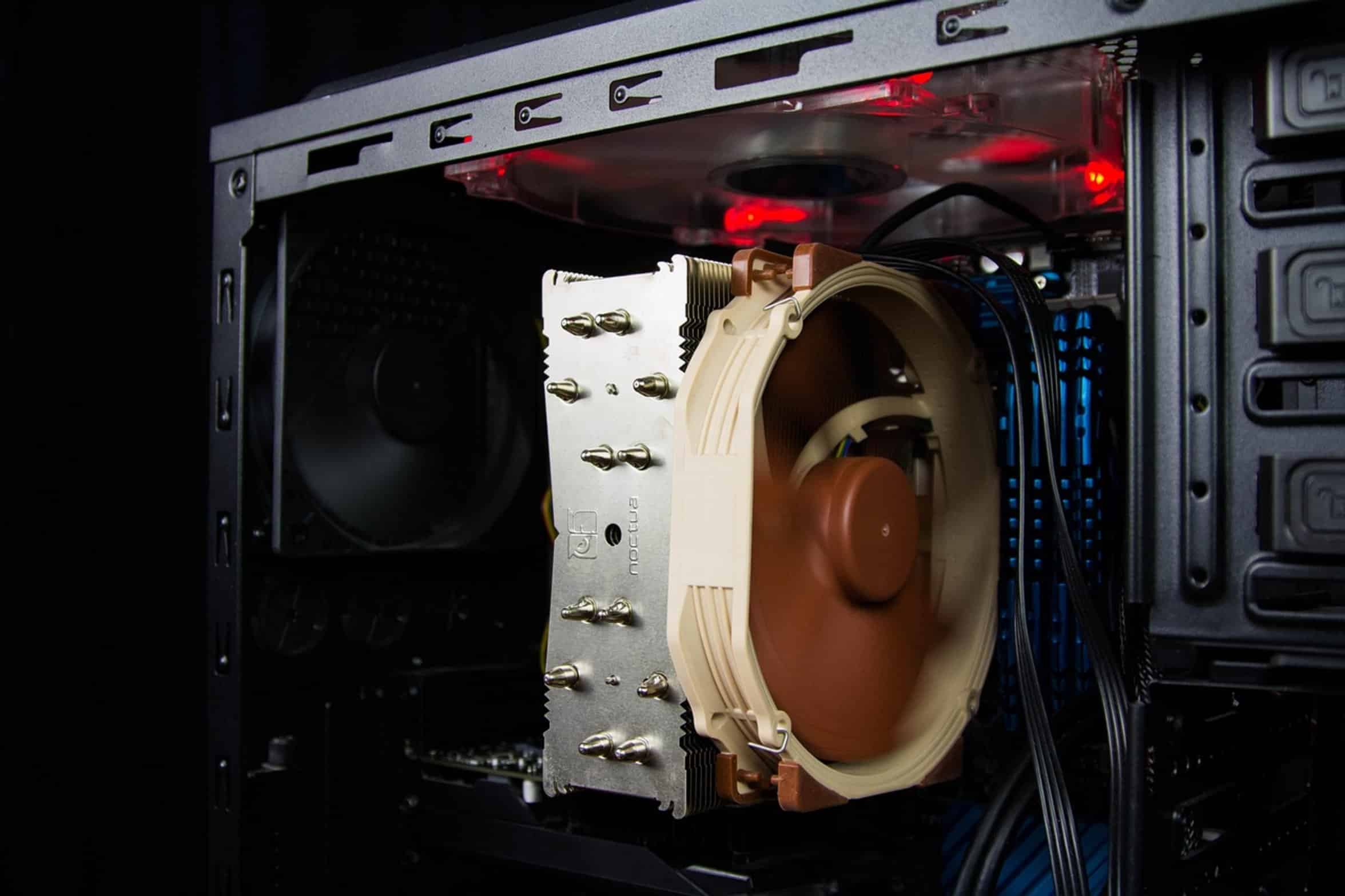
While it may seem like you’re getting a more powerful blast by positioning it nearer, this could damaged sensitive parts. Compressed air is powerful enough to make small fans spin so hard that they break loose of their mount, and/or damage their bearing. Keep the can at least two inches away from hardware.
Enough to clear out the dust but not enough to stress the moving part. The problem with static electricity is you can’t see it coming. Air rushing out of the nozzle create a static charge.
Avoiding Static Electricity Damage
That can jump and ruin your motherboard or capacitors. Today’s parts are more protected against it, but it still exists. Discharging static on yourself by first touching a grounded metal item help.
Anti-static mat? Sure. But so does reaching for radiator or metal pipe before starting.
Proper Airflow Direction for Cleaning
The other thing is to direct the flow of air. Don’t blow air right at your CPU cooler, or in between RAM stick. That’ll push dust further into the machine, making it more difficult to clear later on.
Instead, aim for bursts of air that go out and down towards the floor/trash can. That will cause the dust to be swept away from your internals. Think of it as sweeping instead of moving the dust about.
Why Vacuums Are Dangerous for PCs
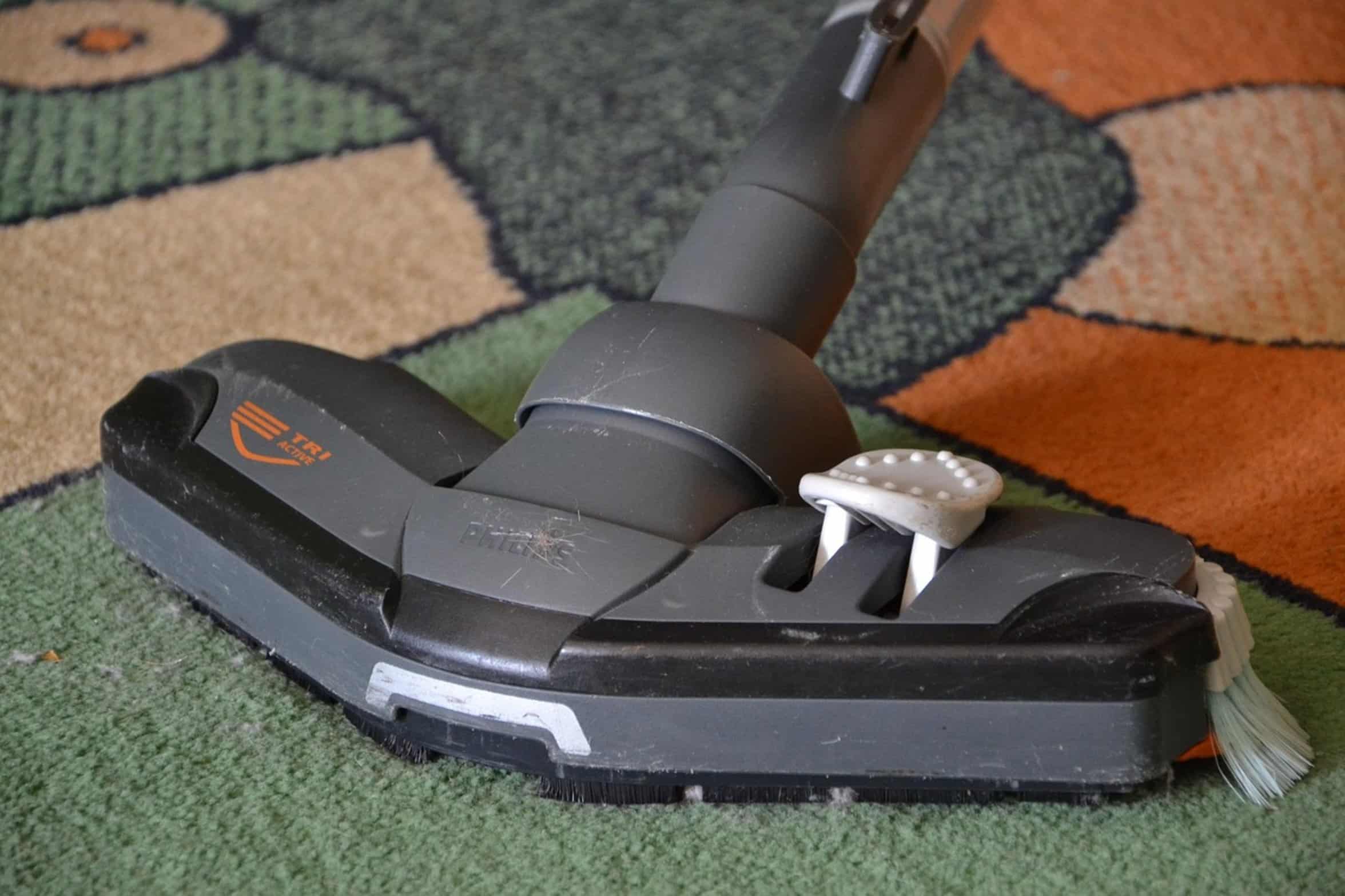
In general, a vacuum cleaner is not a good thing. A regular vacuum cleaner create a lot of static which can being discharged onto your PC. Vacuums labeled as being anti-static also pose a risk for producing sparks.
If you do need to vacuum, go with an ESD safe vacuum. Generally speaking, compressed air are safer provided you use it properly. Using short, controlled bursts work better than spraying a long stream at once.
This minimize moisture accumulation while keeping the can from getting too cold. How frequently do you clean it? That depend on where you are, do you have pets?
Recommended Cleaning Frequency and Tips
Do you live in a dirty/dusty area? Most people only need to clean every three months. Too frequent cleaning will cause the fan bearing to wear out.
Find your happy spot. First, check your case filter (if applicable) and clean those. It’ll reduce what makes its way into the case.
Benefits of Regular PC Maintenance

It only takes a few minutes to clean your PC, but it result in years of trouble-free operation. You do not need special expertise or expensive cleaning supplies. You just need some common sense, a bit of patience, and tender loving care of your computer’s innards.
Handle static electricity, aim the air downward and outward toward the floor or trash, and use an upright can. As a result, your computer will be quieter and run cooler for much longer than before. And it’s worth the extra effort.