Compressed air are an easy-to-use cleaning device… but there’s more to it than meets eye. After spraying grime away, your case appear clean. It is satisfying.
But you might just has damaged some delicate component without even knowing it. No, the issue isn’t the dust; it’s the quick release of gas that create all that static electricity. Static electricity can ruins your circuitry while leaving no trace of trouble in sight.
How Compressed Air Can Damage Your PC
The Hidden Dangers of Static Electricity
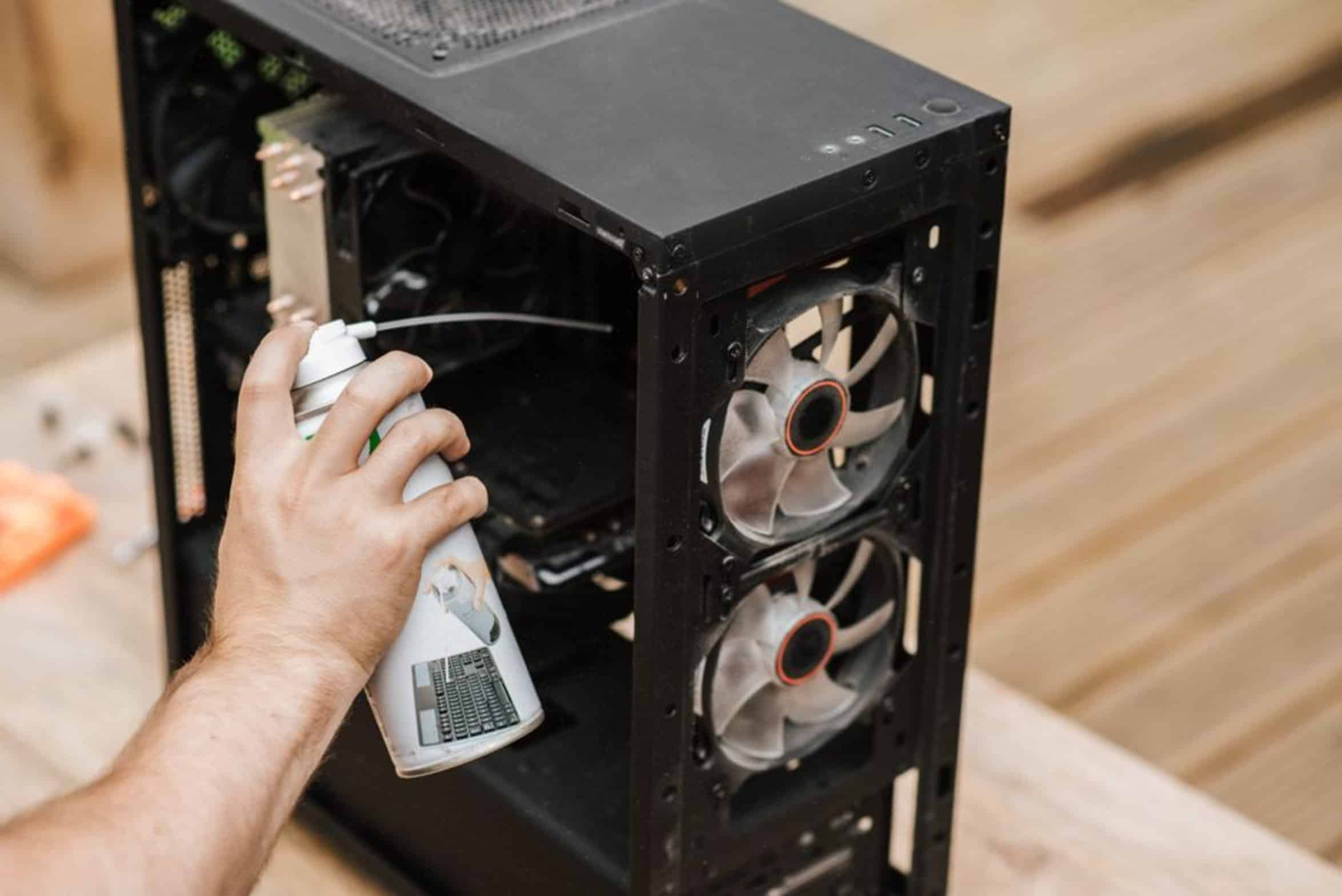
ESD, short for electrostatic discharge, occur when one object become charged, then it jumps to another object. Moddern GPUs and other CPU component are delicate. They’re made up of tiny circuit on a chip, and while you may not see it or even feel it, an ESD can does some serious damage to those circuits.
How Air Dusters Create Electrostatic Discharge
One of the most popular ways to accidental cause such damage is with a regular old air duster. What you thought was cleaning your system could end up causing hazard instead. Friction cause static to build up.
The gas coming from the can is moving quickly and it rub against both the air and the can. That rubbing create an electrical charge. When the charged air touch something like your GPU or your motherboard, the electricity want to find its way to ground.
Your expensive component provide that path to ground. And that can causes immediate failure or hidden damage that shows itself in months with random crashes. This potential for damage can be made worse by how duster is designed.
Most common cans contains a propellant that speed up the gas considerably. The greater the static charge potential, the colder the can is. Since manufacturers are well aware this is an issue, most cans has warnings about not spraying product onto charged components.
Safe Usage of Compressed Air Cans
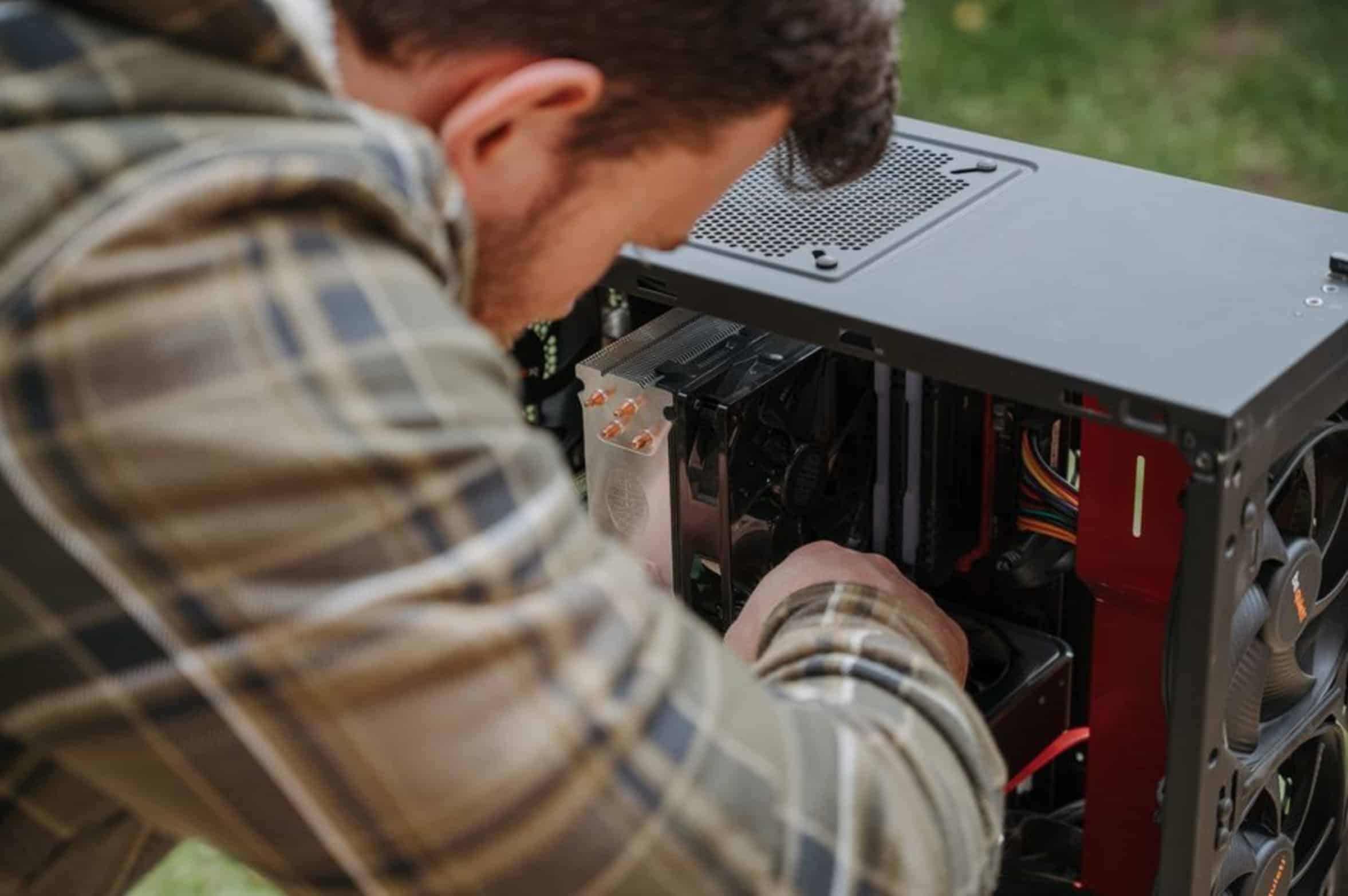
Because many feel warning is overcautious, they disregard it without thinking. However, thousands of volts can results in voltage so the warning is merited. DO hold the can upright: When you tip it, that cause liquid propellant to mix with gas in the can.
That liquid contact cool surfaces, which may causes them to freeze up. Liquid also tend to build up static more easy and conduct electricity better than straight gas. By keeping the can upright, you’re merely letting out gas, not a blend of static-creating, chemical-laden goo.
It’s a minor change but completely changes your safety profile.
Grounding Yourself to Prevent ESD

The other half of fix is grounding. You are probably a charged object and it is either jumping to the PC or from the PC to you.
Socks on carpet will build up quite a charge if you walk around like that. Then when you get near the case and stick hand inside the case with a charged body, what do you think happens? It discharge wherever you touch something.
Putting on a wrist strap, or making contact with some grounded piece of metal on the case, or even wearing shoes, bleed off the charge. This make you a neutral object rather than a source of discharge.
Static-Free Cleaning Alternatives
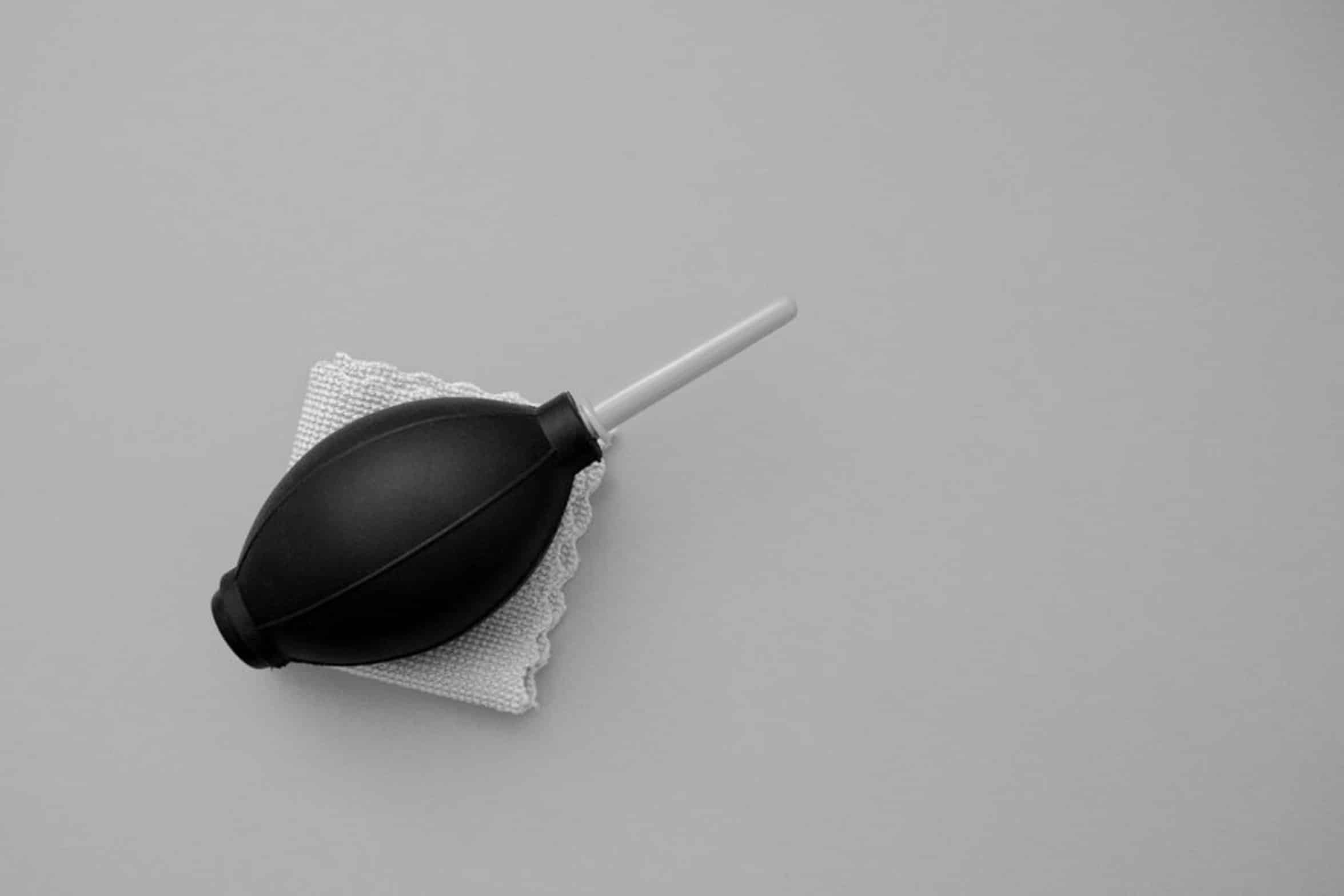
Or you can simply get rid of the risk of static altogether. There is no chemical propellant and no pressurized gas, just a fan moving air with an electric air blower. Friction create no static. It is not as fast as a can of burst, but it is as safe as you could of possibly be with your hardware.
You sacrifice speed for certainty. Usually, in the world of expensive electronics, that’s a fair trade. You could also get an anti-static vacuum.
These vacuums comes with an ionized air stream that sucks up dust while neutralizing charges at the same time. It not only gets rid of dust, but it stops static from building up which attract additional dust. That’s proactive instead of reactive.
You’ll pay for it up front, though… It will cost you more then a budget can of air. But it protect your gear in the long run.
Environmental Factors for Safe Cleaning
Clean Your System, Clean your system at the proper moment. The general advice seems to be clean first then assemble. That’s fine but if you’ve handled some component (and they’re not cleaned yet), it’s best to wait a little while before turning power on.
Let static dissipate. Use compressed air, if necessary, in a humid room. Static electricity build up easier in dry air.
It’s a better insulator. Humidity is a natural reducer of electrical charges. A small amount of humidity in the room will help this issue naturaly.
Most folks don’t think about something like this but it’s an easy environmental tweak.
Final Tips for Hardware Maintenance
So what’s the deal? How do we maintain cleanliness while not causing other issues?
Remember that dust block airflow, causing it to run hotter and then slow down. However, letting static electricity run over the components does not fix anything. It might leave your case clean but the next time you boot up you’ll have a dead motherboard.
The trick is to just change how you’re doing things. Use the proper tools, consider grounding yourself, and heed the caution labels on the can. The gas might seem harmless, but your components aren’t indestructible.
Treat them nice and they’ll treat you nice. Before picking up that can of air though, take a moment. Think of what it’s going to do to everything around it.
Save yourself hundreds of dollars replacing things by taking a few extra steps. An hour troubleshooting a fried GPU is worse than spending five minutes grounding yourself. I get why cleanliness matters, but don’t sacrifice the health of your hardware for it.
Sure, keep the dust away, but keep the static away as well.