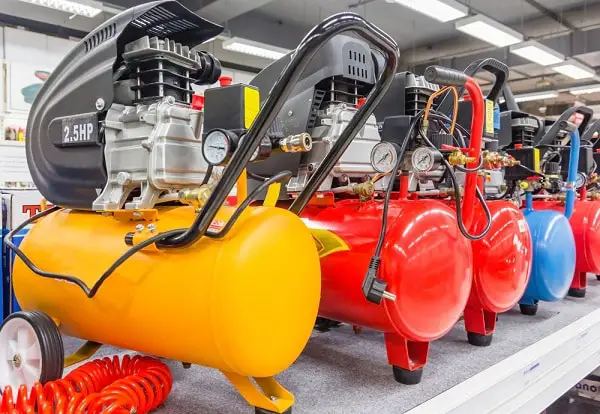
Heatsinks become clogged, fans gets full of dust, which in turn becomes an insulator and holds heat next to your components. Then all the guides will say “get some canned air and blow it out”. But canned air is pricey, heavy, and often leaves behind a freezing residue that can damage delicate circuit board.
Maybe you’re here because you’re sick of buying them, or maybe your can are empty. Either way, the nice thing is that you don’t necessarily has to spend money on a proprietary aerosol spray. With a little time and some things around the house you can get just as good a result if not better.
In fact, if you’re interested in learning how to keep your system clean, you’ll want to watch this video, too: You want to get rid of junk without scratching anything or driving more dirt down into system. Force is blunt, sometimes dangerous. That’s compressed air.
Easy Ways To Clean PC Dust
Why Canned Air Is Problematic
Static control and gentle mechanical removal are an alternative method, and easier on your wallet as well as safer for your electronics. All you’ll need are a couple of basic tool you likely have at home. Once you know how dust attracts, the rest is simple.
Using A Vacuum Cleaner Safely
A vacuum cleaner can replaces a pressurized air blower if you know how to use it without frying anything. Your standard vacuum cleaners produces static electricity and will ruin your more delicate components such as your graphics card or RAM. An electronic-friendly vacuum or at least one featuring anti-static properties are necessary here.
Alternatively, if you lack a specialty vacuum, you can easily retrofit yours with something like thin metal rod or even a piece of brass wire inserted in the hose. This will ground out the static charge and protect your computer. To prevent pulling components from their sockets, make sure to keep moving nozzle around.
Brushing Away Dust Gently
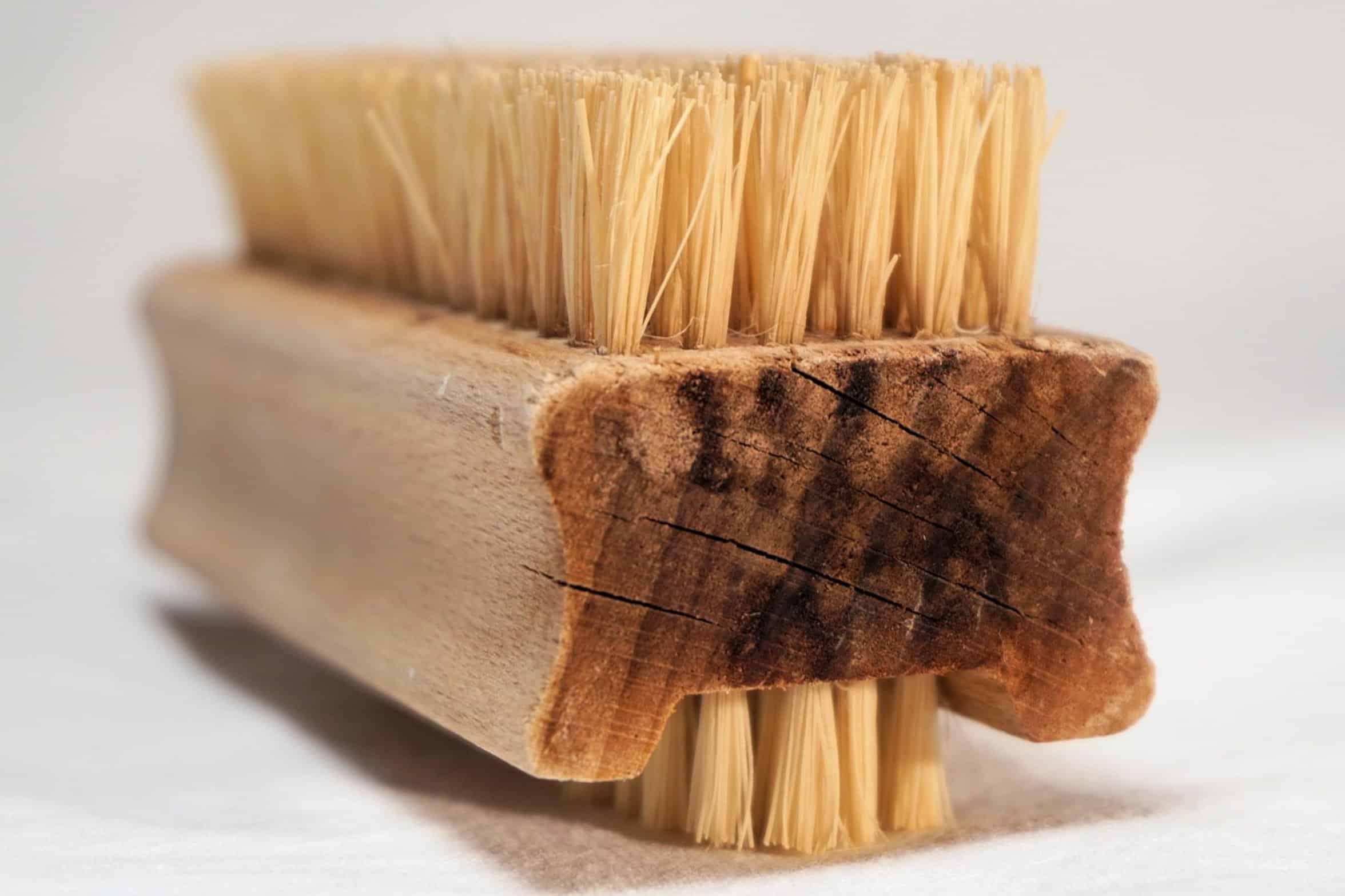
For those fragile spot, the best thing you’ve got is a soft brush. A dry toothbrush, a clean paintbrush, an old makeup brush… anything with soft bristles will do. This let you carefully sweep away dust from heatsink fins and fan blade without too much force.
It’s slow work, but precise. Because you’re brushing instead of blasting with air, you can get deep into some tight corner that might otherwise scatter dust all over the place. Again, just keep in mind that if there’s moisture on the brush, don’t touch anything.
Cleaning Stubborn Gunk With Alcohol
Electricity + moisture = bad idea. Use isopropyl alcohol for stubborn gunk and stickiness. Go with highest purity (90 percent plus) available.
Because it’s non-conductive and doesn’t leave any moisture spots or streaks, and because it dry up fast. Get yourself some cotton swabs/cotton buds or a small, clean microfiber cloth and dab at the cleaned surfaces using the alcohol. That said, this can really help with cleaning the outside of your GPUs as well as side of your case.
Be careful not to pour isopropyl alcohol right onto your parts. Instead, use a clean tool like a cotton swab to apply it. It will break down the oils and dust cakes that dry brushing cannot removes.
Just be mindful that it’s an extremely potent solvent, so go easy on it.
Preparation And Safety Steps
A good clean up require proper preparation and timing. First, turn off your PC and unplug it from wall.
Then, hit the power button (to drain the remaining electricity in your capacitors) before starting anything else. This will help protect both you and your hardware from accidental short circuits. Make sure to work in an adequately ventilated space so you don’t breathe in any of that dust.
If your system happens to be extra dusty, wearing a mask is an excellent preventive measure. You should of worn one. Go slow.
Rushing result in mistakes. A methodical, once-a-year clean-up are preferable to a rushed monthly clean-up. It’s consistency over intensity.
Wiping Down The Case Exterior
This is the case exterior. People often overlook the exterior of your case. Plastic shrouds and glass panels becomes littered with dust on their surfaces and fingerprint smudges everywhere.
Wipe them down with a damp microfiber cloth or glass cleaner. Don’t spray any liquid on the case. Instead, mist the cloth first.
That way, you avoid getting anything wet inside the case. Having a shiny exterior will make the entire system appear new while the insides is still under work. After all, your PC should be as good as it looks.
Benefits Of Manual Cleaning
You can clean a PC just as well without canned air, and I do. Sure, it takes more work, but you have greater control of what you’re doing. You don’t run into problems like over-pressurization or chemical residue.
All the required equipment are inexpensive and easy to find. After a while you’ll probably prefer using this approach to canned air for cleaning. Components will runs cooler and last longer.
Spending time on this makes your system last longer and stay stable. A dust-free computer help you run smoothly.